Your AI Agent at Home: The Complete Guide to Running OpenClaw & Hermes 24/7 Without a VPS
The promise of a personal AI agent working for you around the clock is no longer science fiction. It's here, it's real, and thousands of developers, creators, and small business owners are already harnessing it. The problem? Most guides on the internet tell you there's only one way to achieve this: rent a Virtual Private Server (VPS). They want you to commit to monthly fees, learn Linux server administration, manage firewalls, and troubleshoot network configurations just to keep your agent online.
But what if that assumption is wrong?
What if you could run a powerful, persistent, always-on AI agent — whether it's OpenClaw or Nous Hermes — right from your own home, using hardware you might already own, for a fraction of the cost and with far more control?
This is the definitive guide to doing exactly that. We'll cover the why and the how, compare the two leading open-source agent platforms, walk through step-by-step persistent setups for each, and give you the knowledge to decide whether a home-based agent is right for your needs or whether a managed solution makes more sense.
Part 1: Why Self-Hosting Your AI Agent at Home Makes Sense in 2026
The idea of self-hosting an AI agent is not new, but the tools have evolved dramatically. What once required deep expertise in systems administration can now be accomplished with a few commands and some affordable hardware. Let's examine the real advantages.
1. The Cost Factor: A One-Time Investment vs. Bleeding Monthly
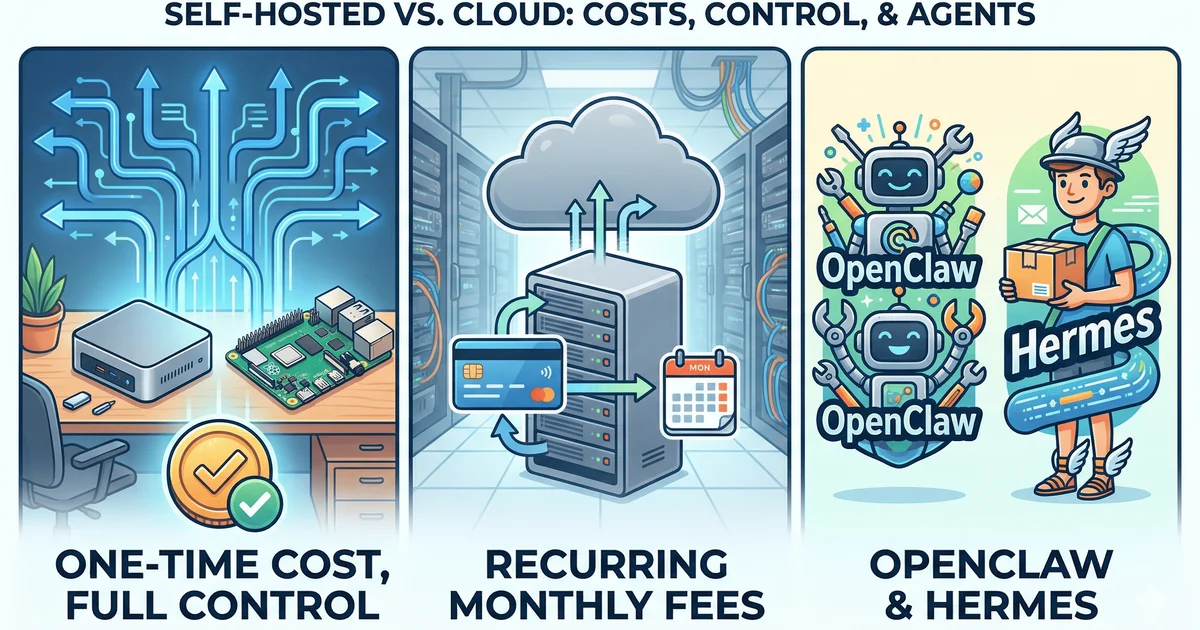
Let's start with the most tangible benefit: money. A decent VPS capable of running an AI agent reliably costs between $10 and $30 per month. (We've done a full cost comparison: local vs. VPS vs. managed if you want the exact numbers.) That's $120 to $360 per year — recurring, every year, with no end in sight.
For that same $120-$360, you can purchase a dedicated Mini PC (like a refurbished Intel NUC or a Beelink) that will physically last you five to eight years. A Raspberry Pi 5 with a proper case and cooling can be had for around $80. Once you buy the hardware, your ongoing costs are simply the electricity to keep it running — typically less than $5 per month, often less than $2.
| Setup Method | Upfront Cost | Monthly Cost | 2-Year Total Cost |
|---|---|---|---|
| Budget VPS (Hetzner/Contabo) | $0 | $10-$15 | $240-$360 |
| DeployAgents (Managed) | $0 | $14 | $336 |
| Raspberry Pi 5 (Home) | ~$80 | ~$2 (electricity) | ~$128 |
| Used Mini PC (Home) | ~$150 | ~$3 (electricity) | ~$222 |
The math is clear: a home setup pays for itself within months, then becomes virtually free. The managed option provides peace of mind for a predictable cost.
2. Absolute Data Sovereignty
When you deploy your agent on a third-party VPS, your data, tool outputs, and agent behaviors are stored on infrastructure you don't control. A home setup means your data never leaves your local network. For users handling sensitive business information or personal data, this level of control is essential.
3. Freedom from Vendor Lock-In
The AI hosting landscape is moving fast. Providers change pricing or shut down. Self-hosting gives you the freedom to switch models, migrate data, or change your entire stack without asking permission.
4. Learning and Empowerment
Running an AI agent at home teaches you about networking, process management, and remote access. These are transferable skills that make you a more capable technologist. When you self-host, you're not just a user — you're an operator.
Part 2: Choosing Your Hardware — Three Practical Paths
You do not need a server rack. You need something that stays on, stays connected, and stays reliable. Here are the three most practical options for 2026.
Option A: The Raspberry Pi
The champion of low-power computing. It's silent, has a tiny footprint, and sips electricity. The Raspberry Pi 5 is more than capable.
Option B: Old Laptop or Spare PC
The best price is free! You might already have one. Laptops have a built-in battery backup (UPS), protecting you from short power outages.
Option C: Dedicated Mini PC
The best of both worlds. Devices like the Intel NUC or Beelink SER are powerful, compact, energy-efficient, and have maximum compatibility.
Our Recommendation: If you're starting out and budget is tight, use what you already have. An old laptop is the fastest path to a working setup. If you want to invest for the long term, a Mini PC gives you the most headroom and reliability.
Part 3: OpenClaw vs. Hermes — Which Agent Is Right for You? (See also: Complete Self-Hosted AI Assistant Guide 2026.)
This is the question every beginner asks. Both projects are excellent and open-source, but they have different strengths and philosophies.
Choose OpenClaw if...
You want an agent to interact with your local filesystem, run browser automation, or act as a persistent local assistant. Its Node.js base and strong local tool support are key strengths.
Choose Hermes if...
You want an agent that learns from experience, maintains memory across sessions, and can delegate work. Its Python base, excellent TUI, and built-in cross-platform support are major advantages.
Part 4: The Step-by-Step Setup Guide
This is the core of the guide. We'll walk through the entire process, from a fresh machine to a persistent agent that survives reboots and crashes.
Prerequisites
Regardless of which agent you choose, start by installing a minimal, server-grade OS like Ubuntu Server 24.04 LTS or Raspberry Pi OS Lite. Connect it via Ethernet and run sudo apt update && sudo apt upgrade -y.
Part 4a: Setting Up OpenClaw for 24/7 Operation
This setup uses pm2, a production-grade process manager for Node.js, to ensure OpenClaw always runs.
Step 1: Install Node.js and PM2
# Install Node.js v20
curl -fsSL https://deb.nodesource.com/setup_20.x | sudo -E bash -
sudo apt-get install -y nodejs
# Install PM2 globally
sudo npm install pm2 -g
Step 2: Install and Run OpenClaw with PM2
# Install OpenClaw
npm install -g openclaw
openclaw init
# Start with PM2
pm2 start "openclaw gateway start" --name openclaw
pm2 save
pm2 startup
Follow the command from pm2 startup. Your OpenClaw agent is now persistent.
Part 4b: Setting Up Hermes Agent for 24/7 Operation
The official Hermes installer handles most dependencies. We will still use pm2 to make it persistent.
Step 1: Install Hermes
# Run the official installer
curl -fsSL https://raw.githubusercontent.com/NousResearch/hermes-agent/main/scripts/install.sh | bash
# Reload your shell
source ~/.bashrc
# Run the setup wizard
hermes setup
Step 2: Run the Hermes Gateway with PM2
# If you don't have it, install pm2
sudo npm install pm2 -g
# Start the gateway
pm2 start "hermes gateway start" --name hermes
pm2 save
pm2 startup
Your Hermes agent gateway is now also persistent.
Part 4c: Secure Remote Access with Tailscale
Security First: Never expose your agent's ports directly to the internet. Always use a secure overlay network like Tailscale.
Tailscale creates a private, encrypted network between all your devices, making remote access simple and secure.
1. Install Tailscale on your agent server:
curl -fsSL https://tailscale.com/install.sh | sh
sudo tailscale up
Follow the authentication link to connect the device to your network.
2. Install Tailscale on your phone or laptop.
Download the app and sign in. You can now access your agent's web UI or SSH into its server using the stable Tailscale IP address, from anywhere in the world.
Part 5: When to Upgrade — The Case for Managed Hosting
A home setup is fantastic, but it relies on your home internet and power grid. For personal projects and many small business tasks, this is perfectly acceptable.
However, if you are running a business-critical agent that requires 99.99% uptime, a professional managed hosting solution is the superior choice. A managed provider handles all the infrastructure, security, and uptime for you, giving you the power of a persistent agent with none of the maintenance overhead.
Ready to go pro? If you've outgrown your home setup or never wanted to manage a server in the first place, DeployAgents offers fully managed OpenClaw and Hermes hosting. You get a pre-configured, secure, always-on agent instance with zero setup overhead. Plans start at $14/month.
Frequently Asked Questions (FAQ)
Q: Is a Raspberry Pi 4 powerful enough?
A: Yes, a Raspberry Pi 4 with 4GB or 8GB of RAM is sufficient for running either OpenClaw or Hermes for most conversational and automation tasks. It will struggle if you also try to run large local language models on it.
Q: What are the ongoing costs of a home setup?
A: After the initial hardware purchase, the only ongoing cost is electricity, which is typically very low ($1-$5 per month) for a Raspberry Pi or Mini PC.
Q: Can I run my agent on Wi-Fi?
A: Yes, but a wired Ethernet connection is strongly recommended for a 24/7 server to ensure maximum stability and reliability.
Q: How do I update my agent?
A: For OpenClaw, you'd run npm install -g openclaw@latest then pm2 restart openclaw. For Hermes, you'd run hermes update then pm2 restart hermes.
Have more questions about setting up your home agent or ready to move to a managed solution without the hassle? Visit DeployAgents.co — we handle the infrastructure so you can focus on building what matters.